 Windows
 macOS
 iPhone
 Android
01 / Overview
Your finances, together.
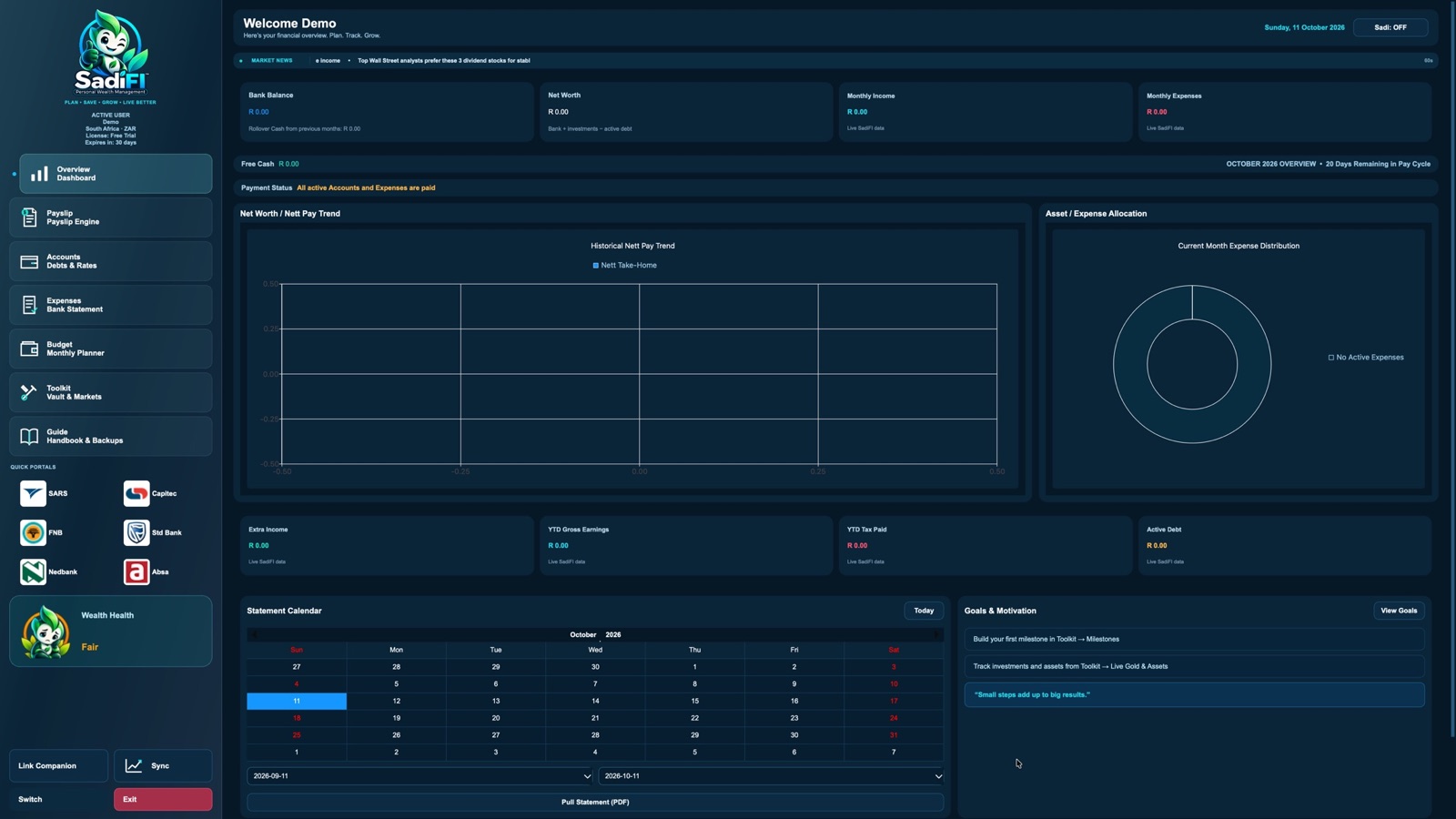
See bank balance, net worth, income and expenses at a glance. The calendar, payment status and goals help you understand what needs attention this month.
 Personal wealth.
A fresh start for your finances
Less money stress. More life ahead. Meet the friendly personal money manager that helps you plan, save and take control.
Inside the desktop app
Explore the actual SadiFI workspace, one feature at a time.
See bank balance, net worth, income and expenses at a glance. The calendar, payment status and goals help you understand what needs attention this month.
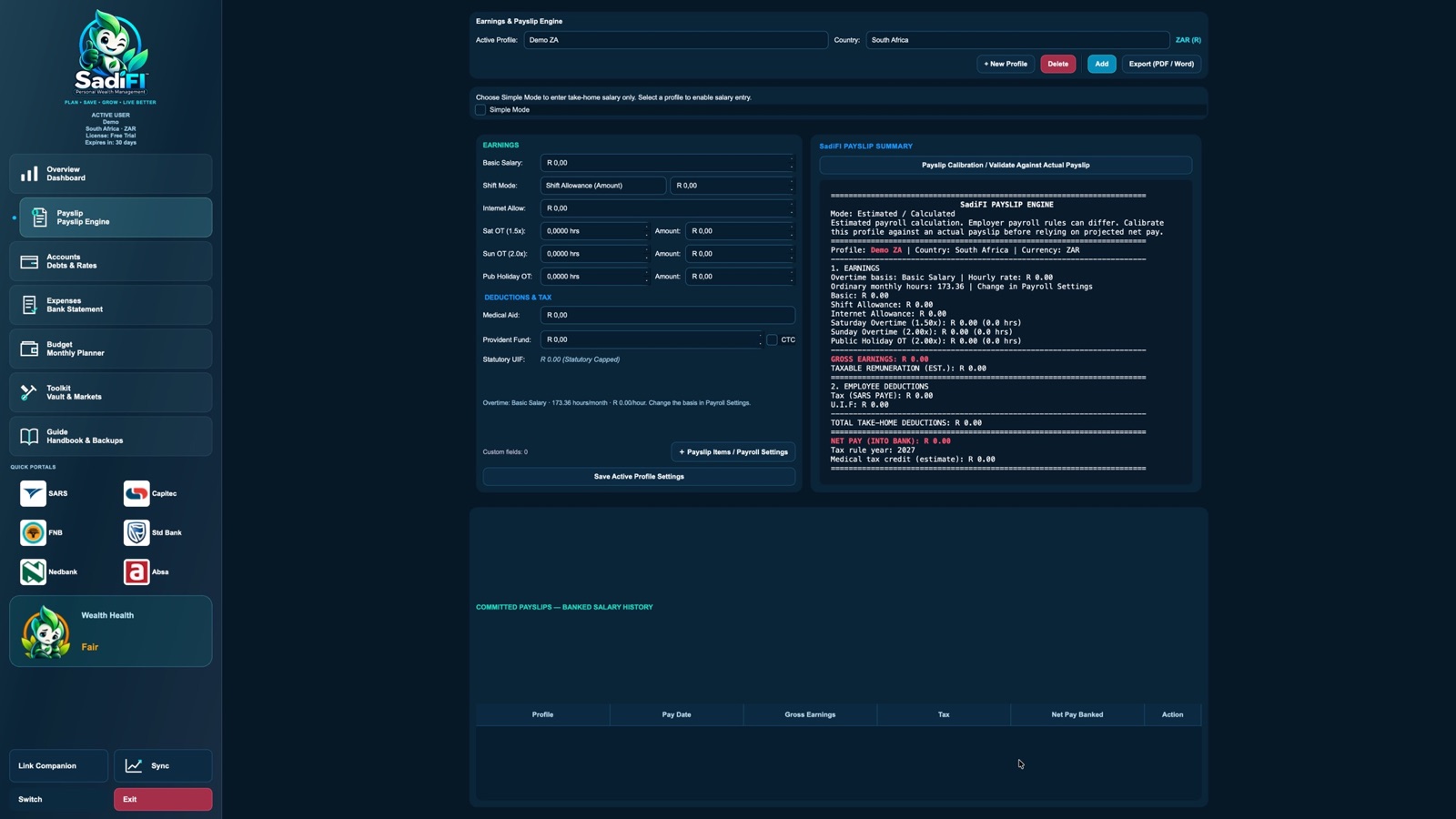
Set up a salary profile, enter regular and variable earnings such as overtime, and review estimated deductions and net pay. Compare the estimate with your actual payslip before relying on it.
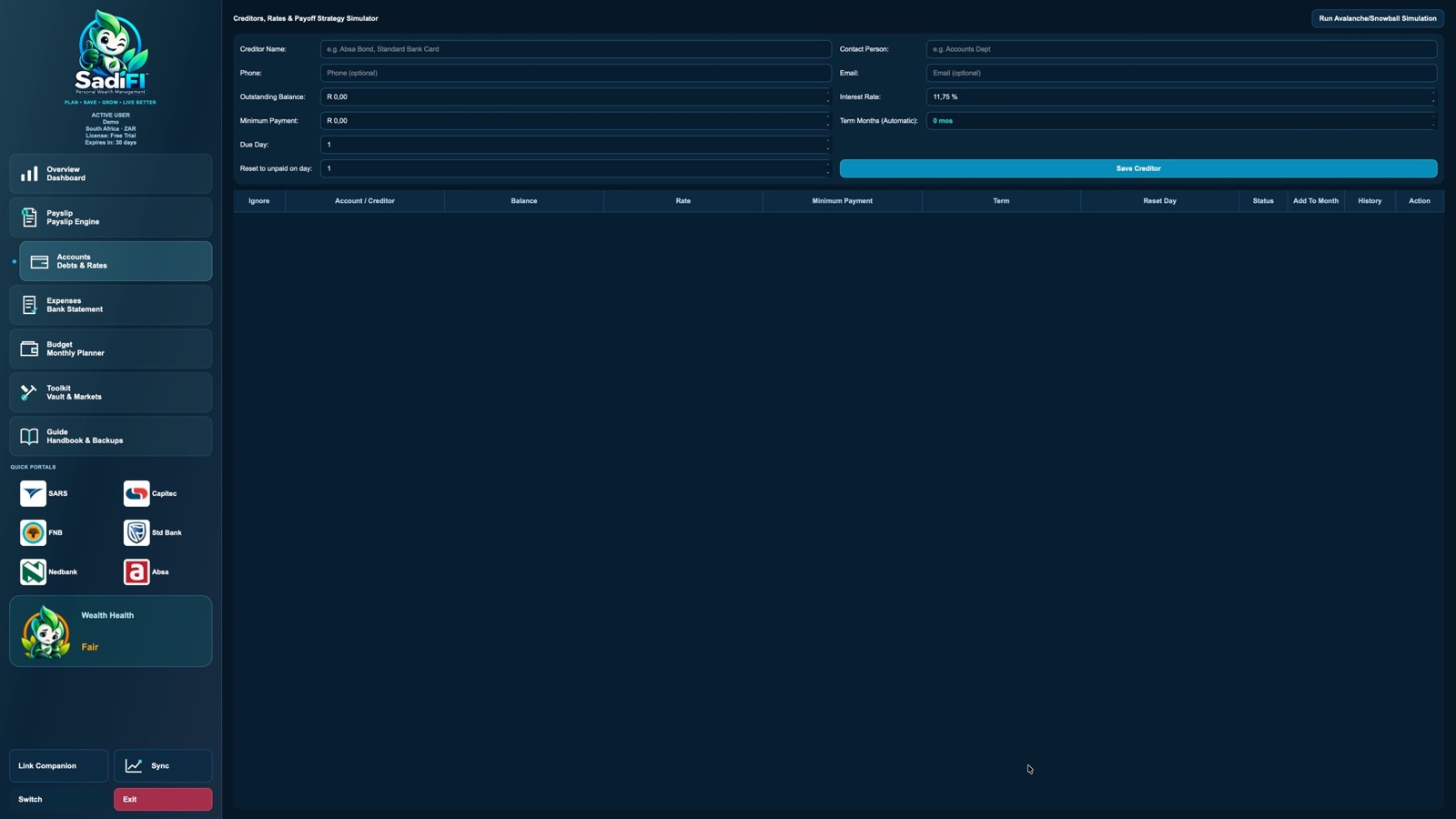
Keep creditor balances, interest rates, minimum payments and due dates together. Try snowball or avalanche simulations to compare payoff approaches.
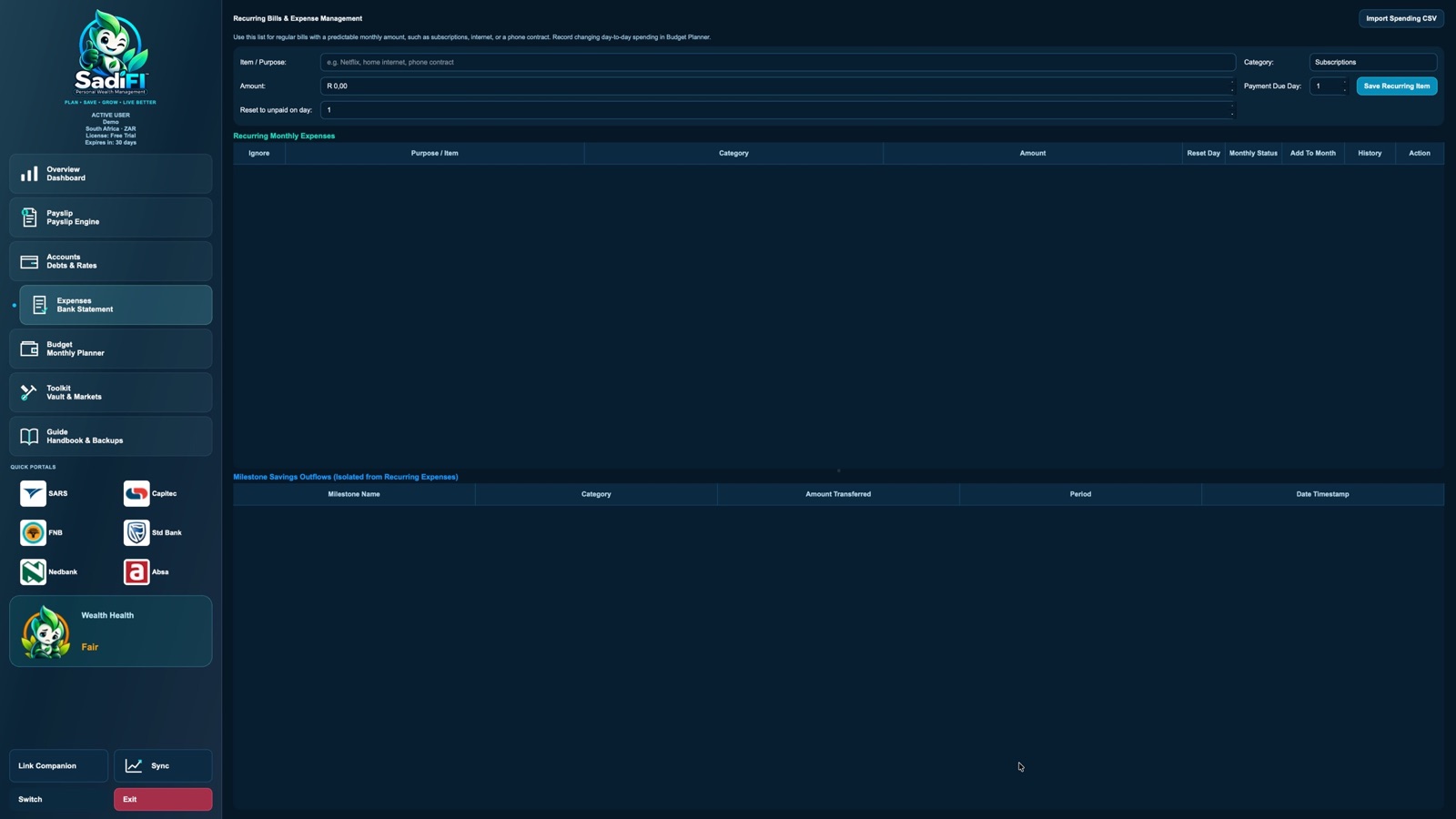
Use recurring expenses for predictable commitments such as subscriptions, internet and phone contracts. Record changing day-to-day purchases in Budget Planner instead.
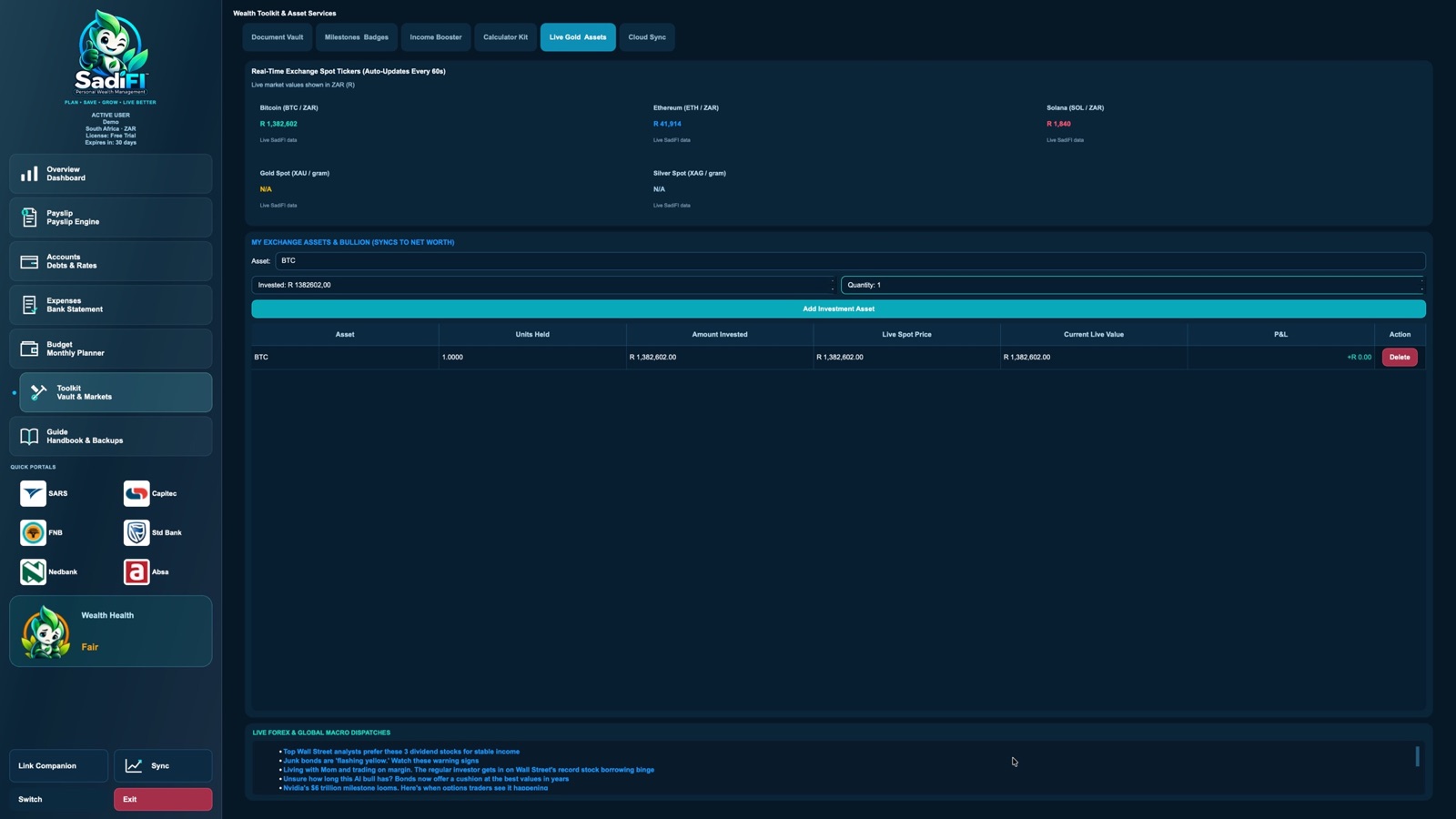
Track assets and holdings alongside reference prices and estimated values. Market prices can change or be unavailable; these figures are for personal tracking, not investment advice.
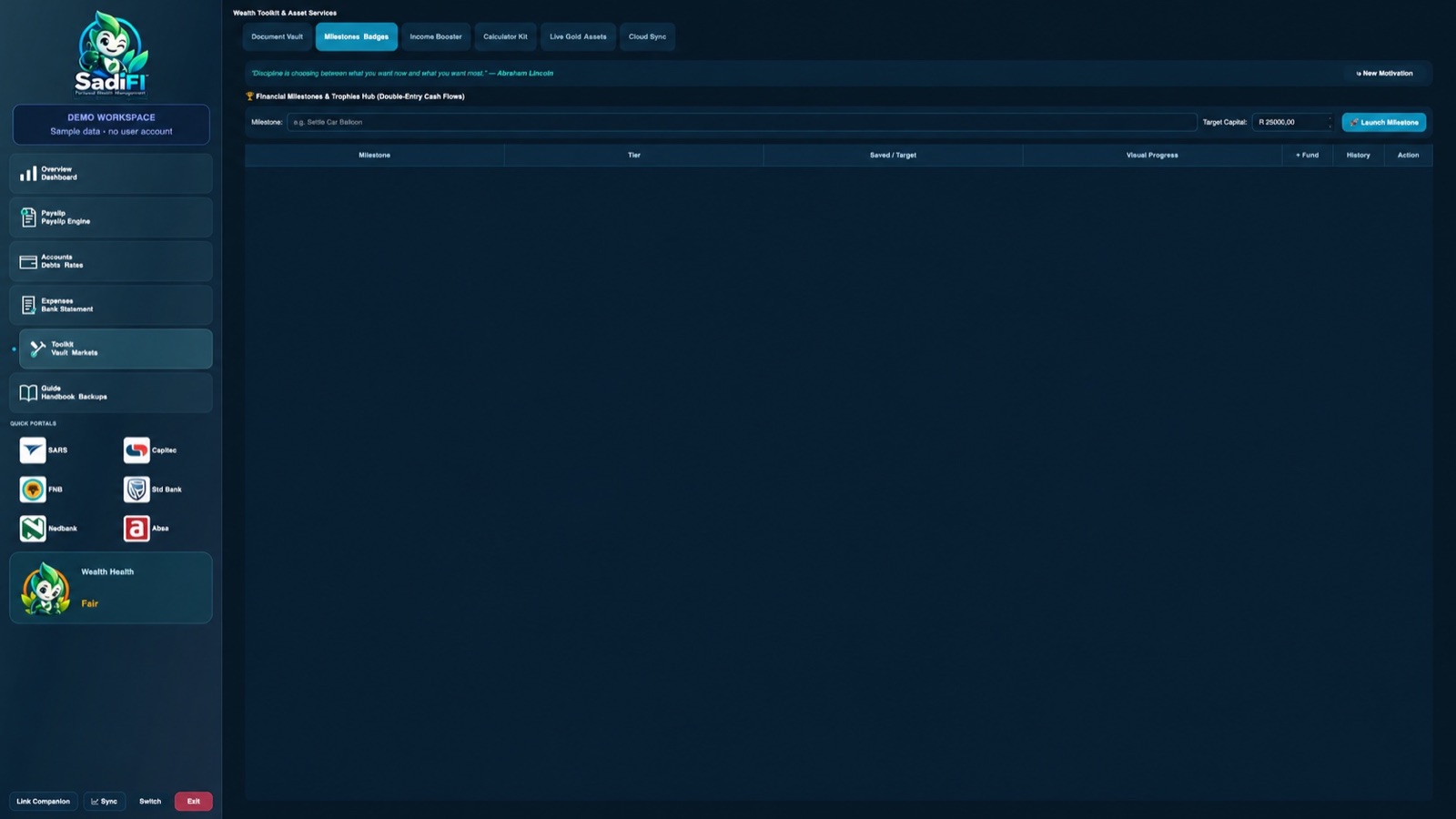
Set a savings target, record contributions and follow progress over time. Keep your goals connected to your everyday planning.
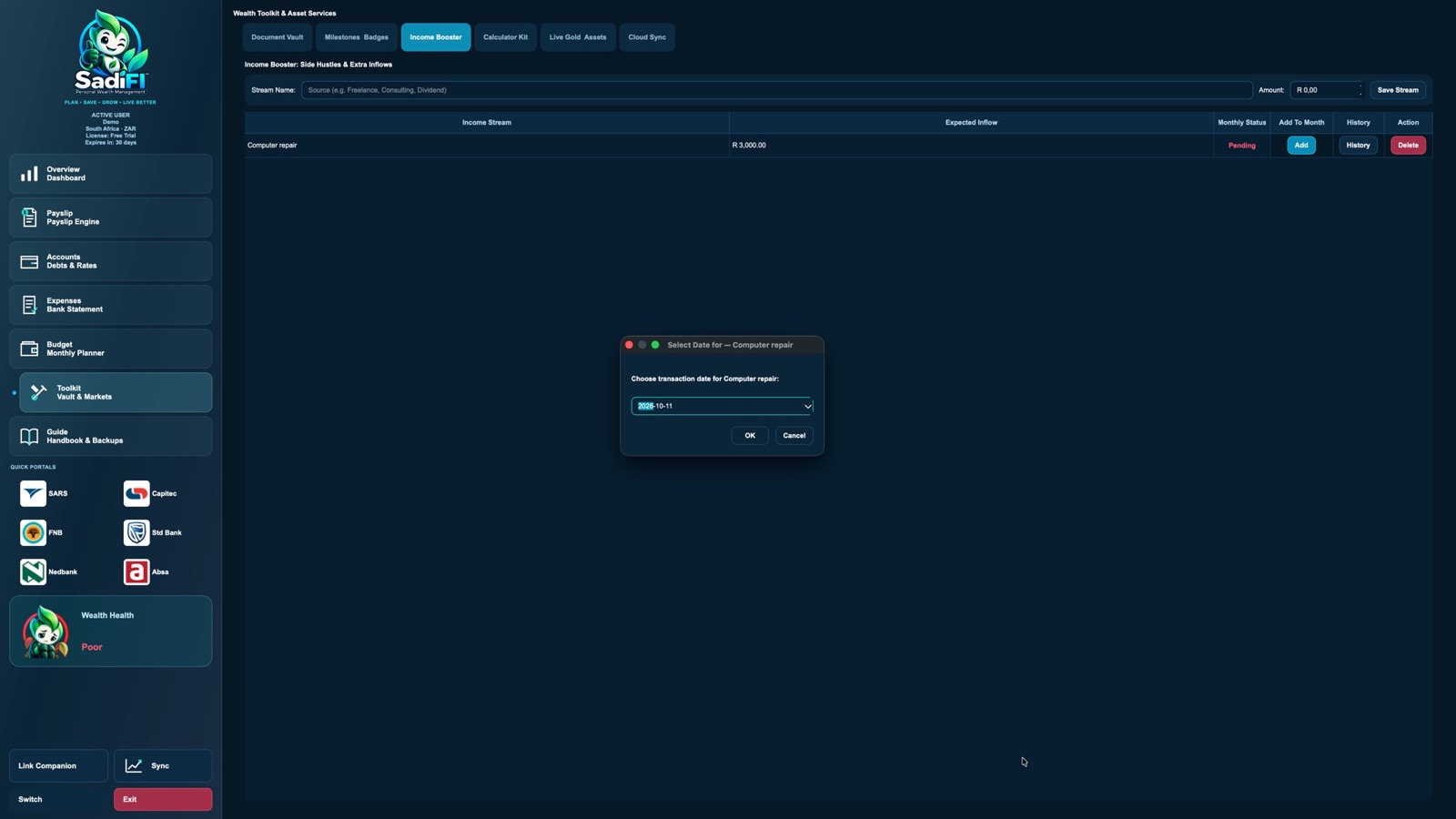
Add a side-hustle or other income stream, enter its expected amount, then add the actual money to a month when it arrives.
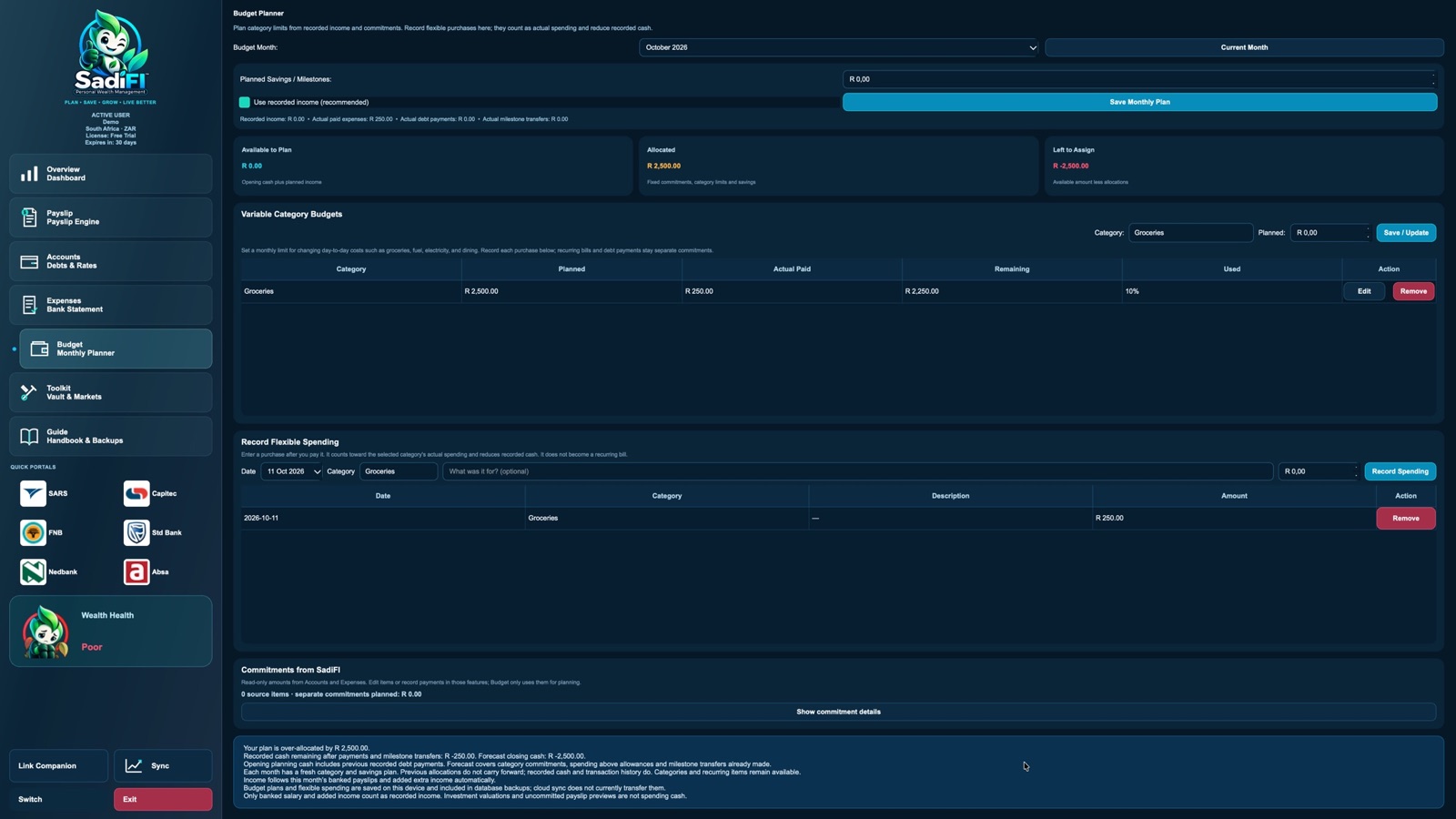
Choose flexible limits for groceries, fuel and other changing costs. Record each purchase to see actual spending, what remains in each category and how much is left to assign.
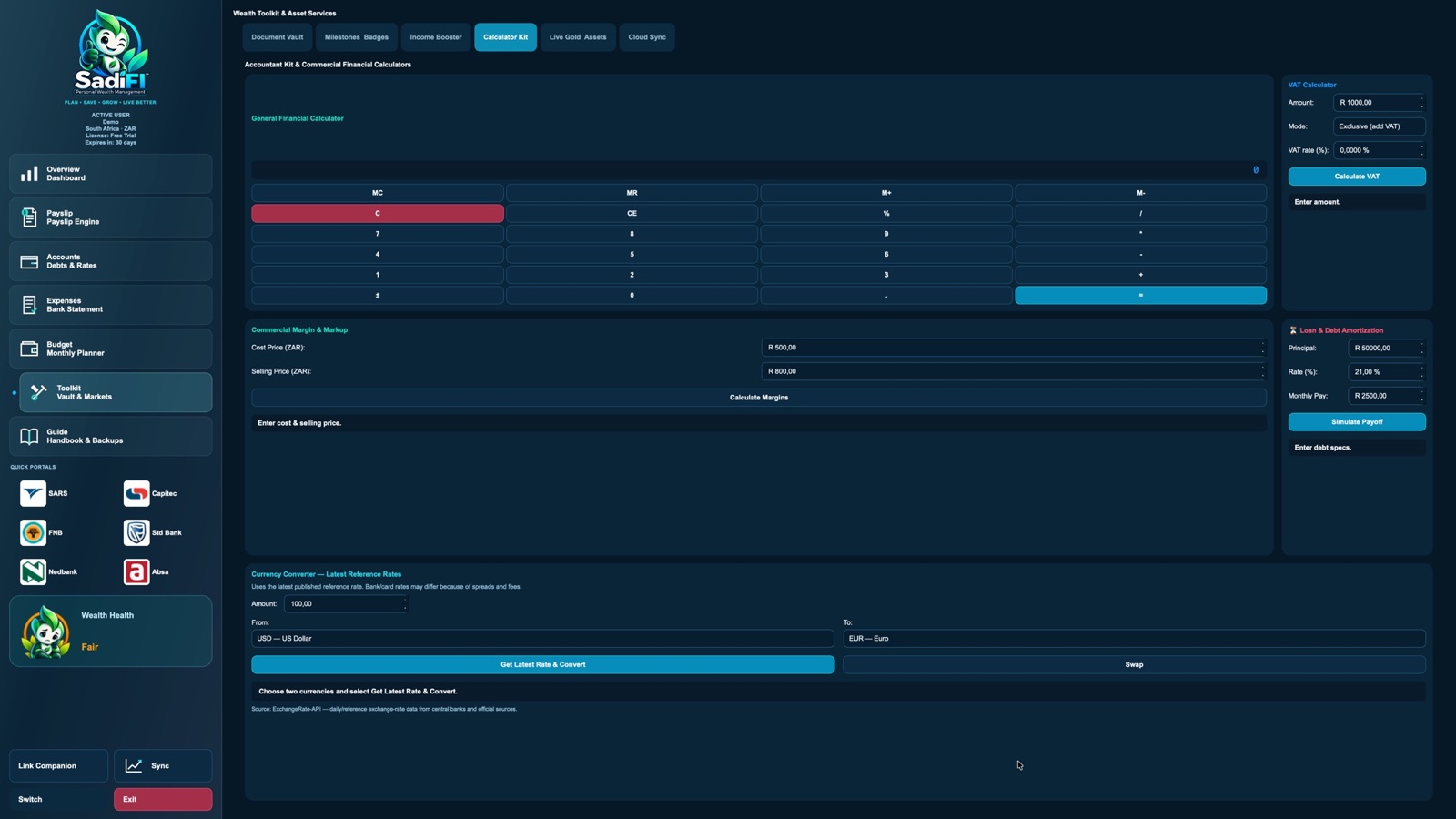
Use the general calculator plus VAT, margin, loan-payoff and currency tools. Currency conversions use published reference rates; your bank or card provider may apply different rates and fees.
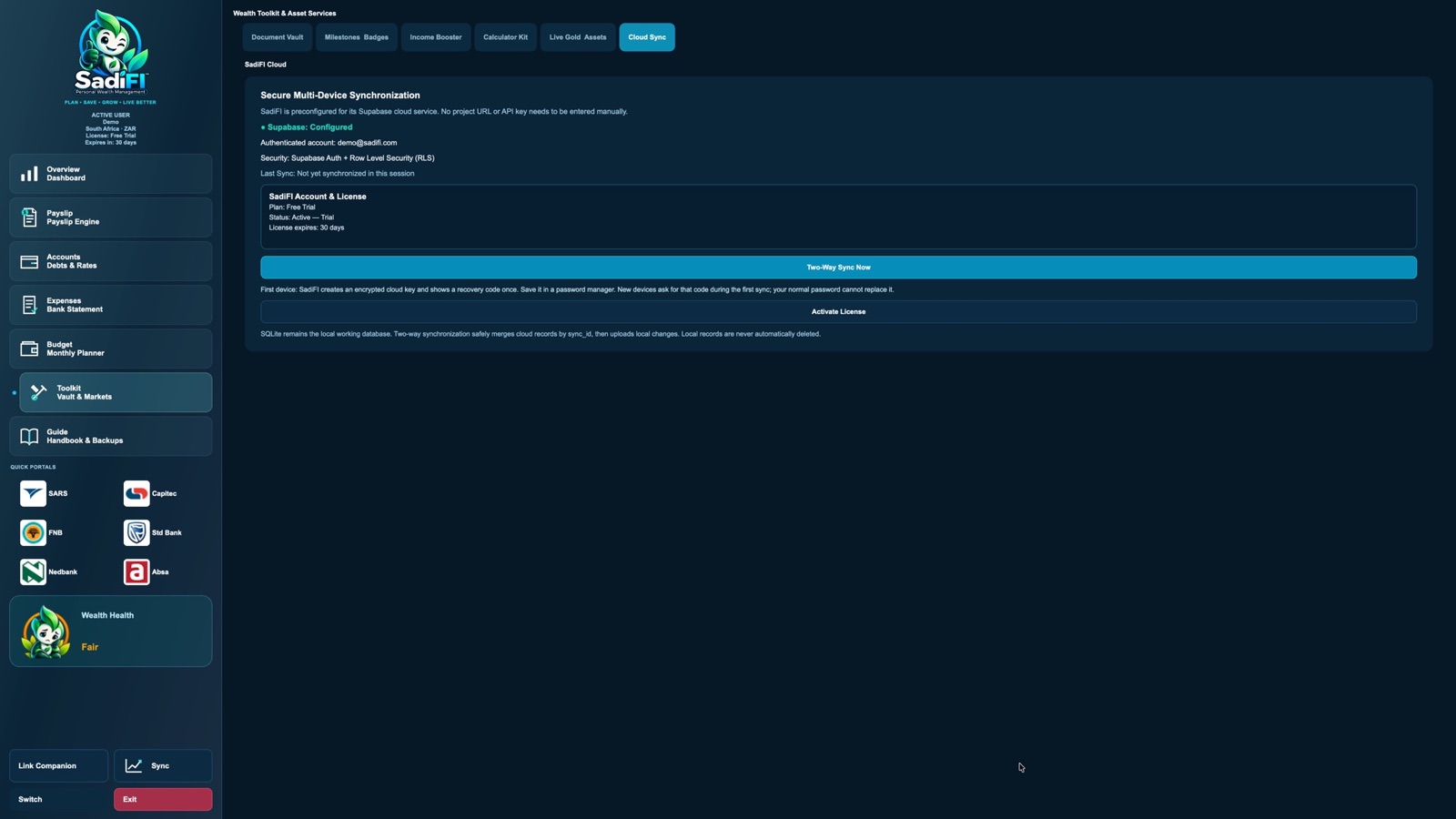
Link devices through your SadiFI account and start a deliberate two-way sync when you are ready. Keep the recovery code safe; the normal account password cannot replace it when adding a new device.
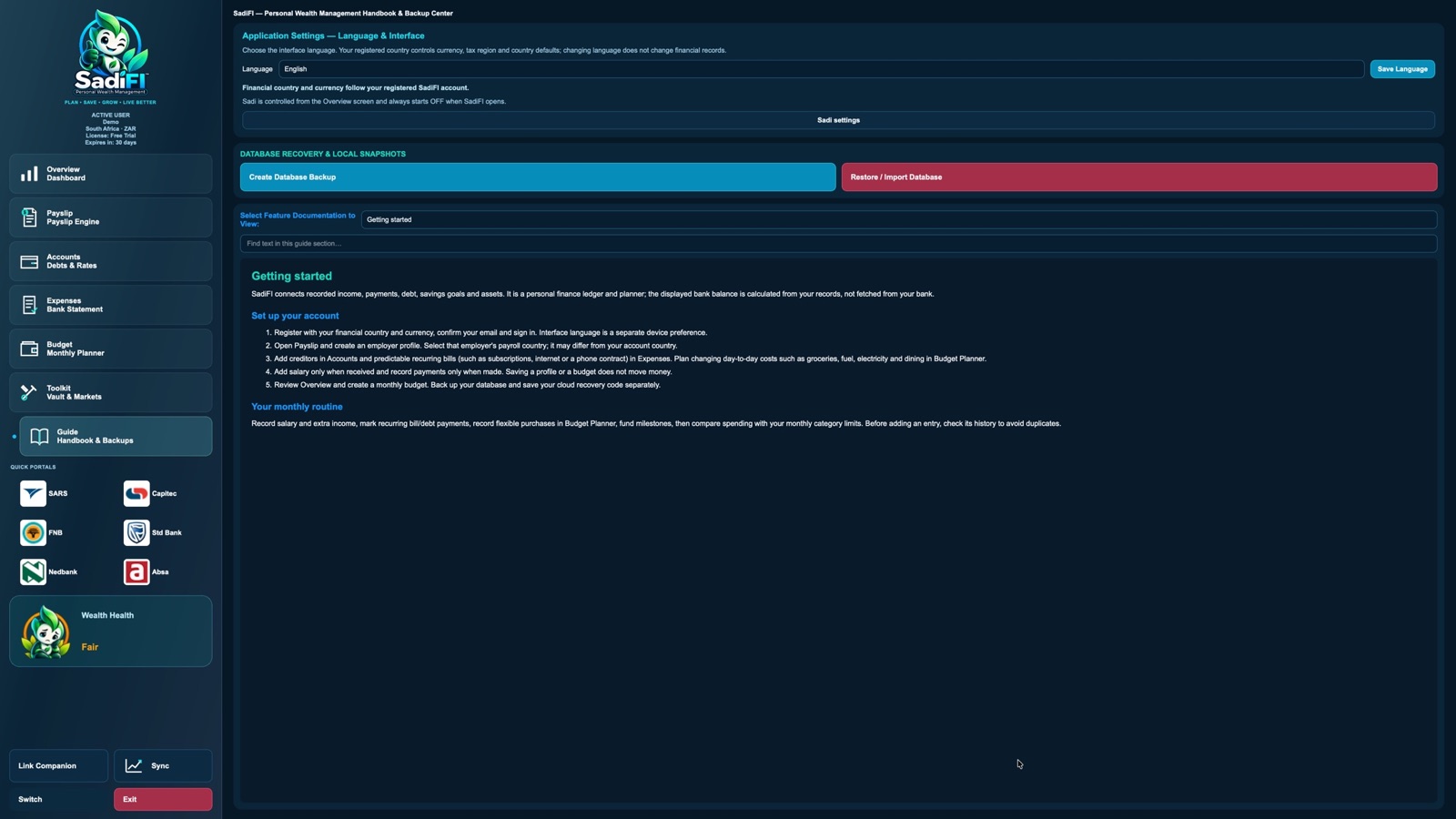
Choose an interface language, read feature-specific guidance, and create or restore a local database backup. Store backup files somewhere secure and separate from your device.
These screens show the SadiFI Demo workspace. Displayed figures and holdings are illustrative sample data, not customer records or financial advice. Click a screenshot to enlarge it, then use Zoom for full detail. Bank shortcuts shown in the app do not imply affiliation or endorsement.
Why SadiFI
Created by The Sardjono Studio in South Africa, SadiFI helps you understand your finances, keep track of everyday commitments and work towards your goals.
Bring income, spending and debt into one financial picture.
Keep commitments and payment dates in view, at your own pace.
Track contributions and see your progress towards what matters.
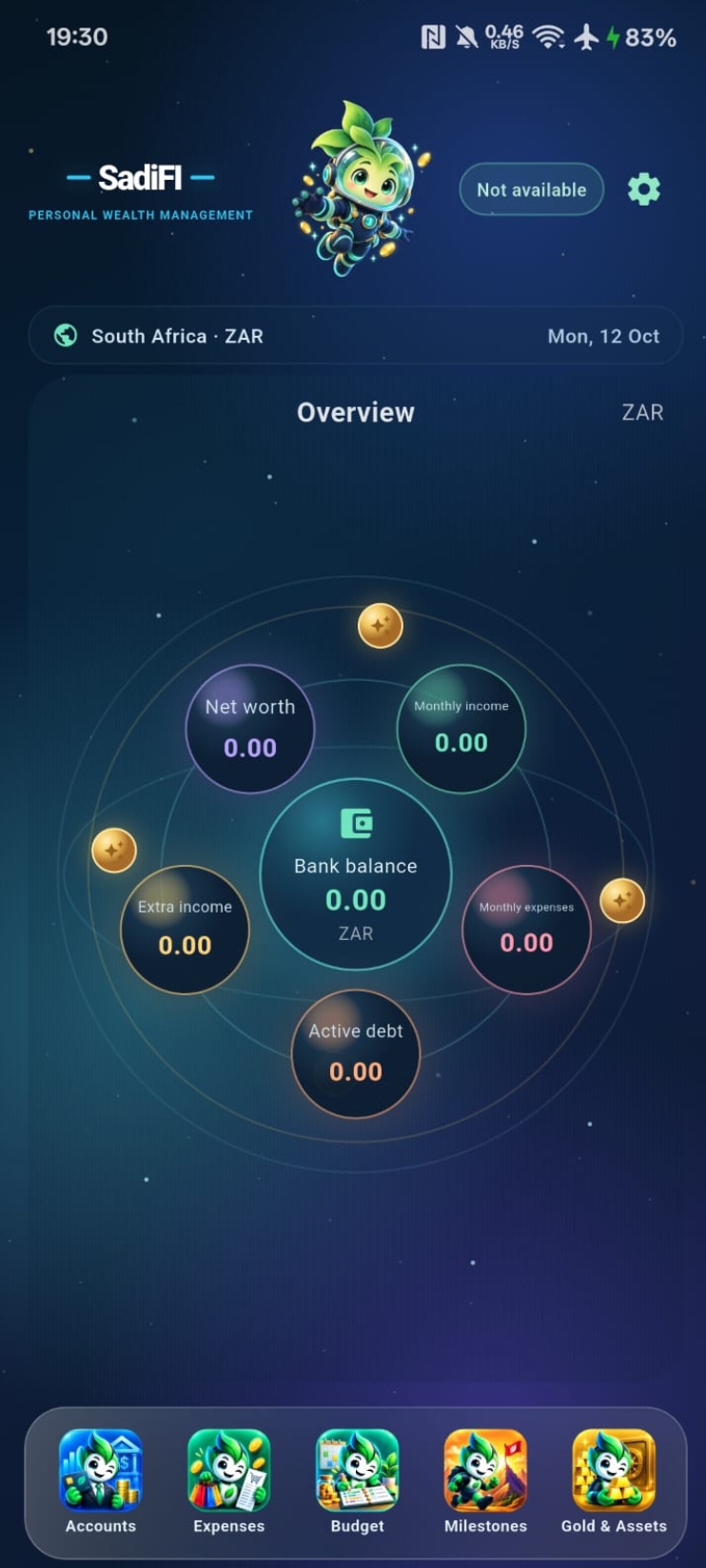
Illustrative app preview · sample data
Meet your everyday Companion
Your desktop is where the big picture comes together. SadiFI Companion keeps it close, wherever the day takes you.
SadiFI Companion for Android is available now. The iPhone release is being prepared.
Desktop + phone
Sync needs an internet connection and is a deliberate action. For the full setup, follow the SadiFI documentation.
Get SadiFI
Try SadiFI for Windows or macOS free for 30 days when downloads launch.
Store listings coming soon
Your next chapter starts here.
Give your money a plan and your goals a little momentum. Try SadiFI free for 30 days.
Start my free trialOne simple annual plan
US$49.00per year
Plan your spending. Track your goals. See your progress.
USD · Includes applicable tax.
Make it my yearPay securely with PayPal. No automatic renewal.
Try the desktop app free for 30 days. When you’re ready, sign in here with your SadiFI account to buy 12 months of access. Your trial won’t turn into a paid plan automatically.
Paying from another currency? Your payment provider may apply conversion fees.
Refund & Cancellation PolicyHere to help
Find a quick answer or get in touch.
Help with your account, devices or the app.
support@sadifi.comPLANS & ACCESSQuestions about pricing or a purchase.
sales@sadifi.comYou can work with local records in the desktop app. Cloud sync, account services and live reference prices need an internet connection.
Sync is a deliberate action. After making changes, connect to the internet and sync each device to share supported records. Read the setup guide.
Download the desktop app for your platform and follow its account setup and verification steps. The desktop offer is a 30-day trial; review the conditions shown in the app.
After your 30-day trial, annual access costs US$49.00, paid in full through PayPal. Paid access does not renew automatically. Access is linked to your account after payment is verified. Read the refund policy.